
These are routine system updates I do to keep all Proxmox servers and all Ubuntu systems updated.
Log into aimaster:8443
select remotes, then submenu updates to list the current state of all ProxMox installations
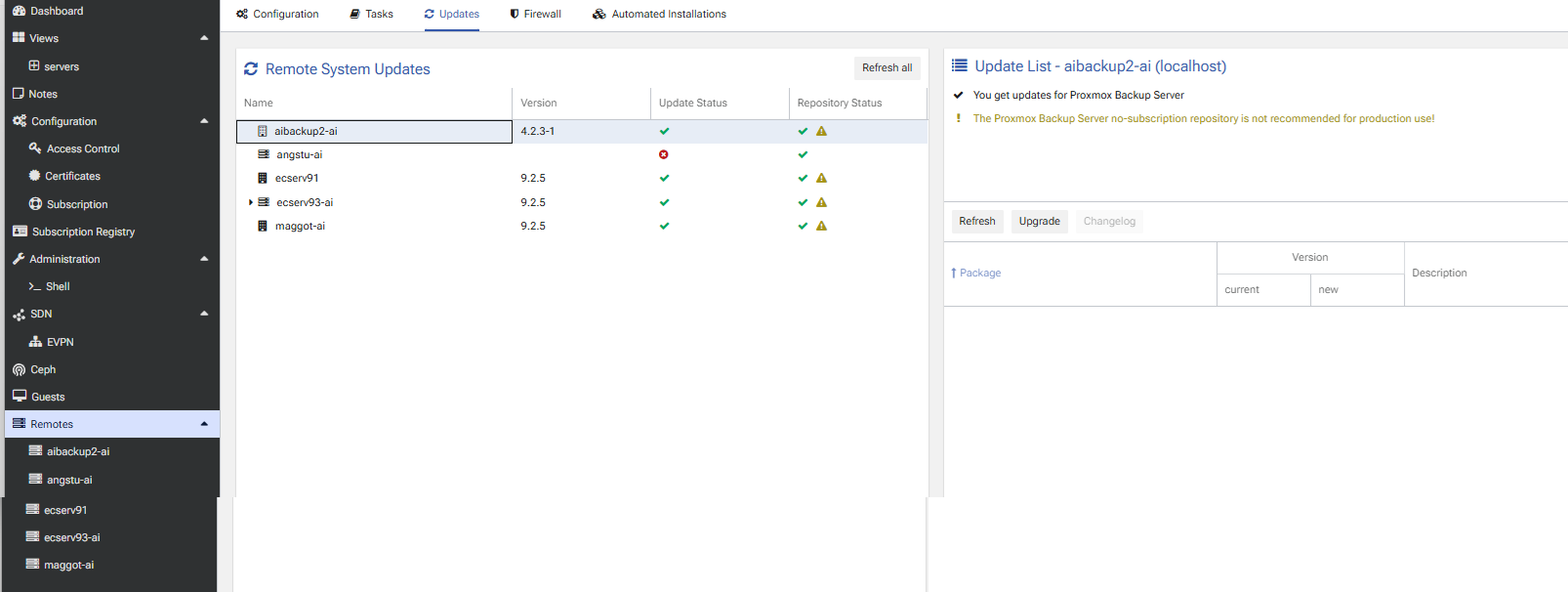
if any show Update Status other than checkmarks, do the following
select that device or cluster
pick upgrade from the far right box
you will log into the specific server and then select Upgrade to add the patches
you may need to reboot the server at some point to cause the changes to take effect
log into aibackup2:8007
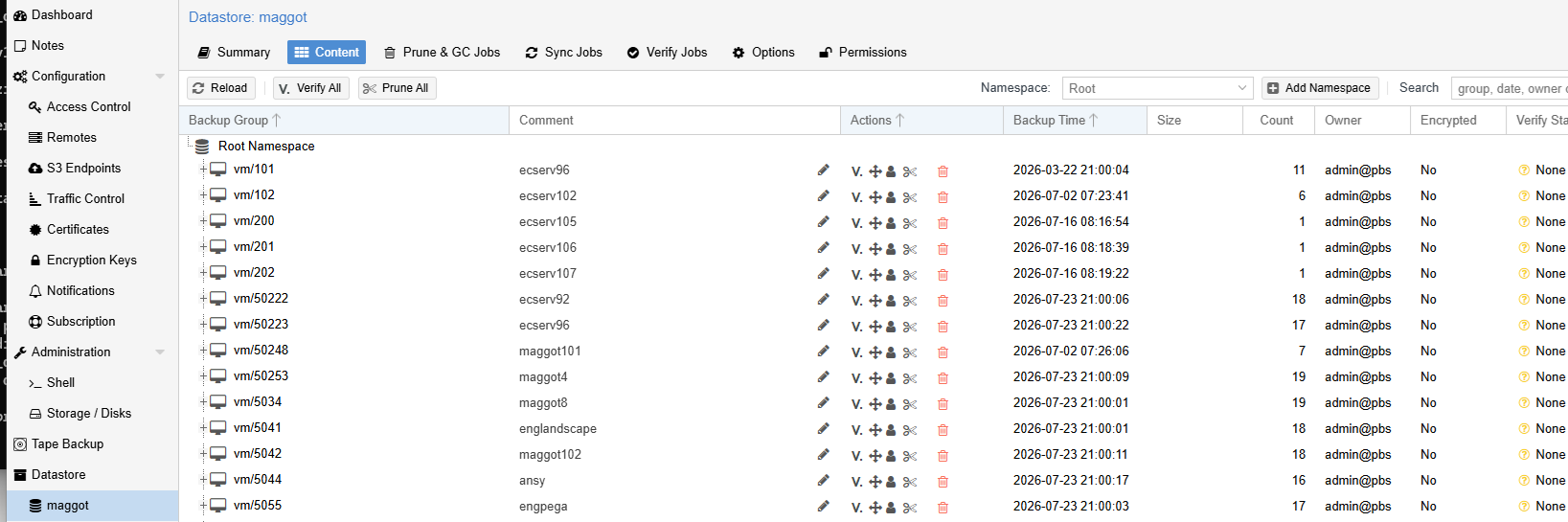
look at the Datastore | Maggot for a list of backups/dates
ProxMox VM numbers are unique (names/comments are not)
that’s why i number them subnet.IP addr
log into englandscape
look for the red triangle, it means work is required, click on it
